A completed task should let a reviewer find the change, check its behavior, and see which decisions still need an owner. AI agents for project management are useful when they keep those connections intact as software work moves forward. This guide follows one bounded feature from its initial goal to an acceptance decision.
What Project Management Agents Actually Do
An AI agent for project management can inspect available project context, propose tasks, use connected tools, follow execution, and return results. Its actual reach depends on the product, accessible sources, permissions, and execution environment.
For software delivery, useful coordination includes identifying dependencies, assigning work to coding or testing agents, noticing blockers, and collecting evidence for review. Agentic AI for project management adds the ability to choose subsequent actions from intermediate results. A failed check might lead to investigation, a repair, or a question for the project owner.
Traditional project tools can also automate assignments, transitions, and notifications. The useful distinction is how much judgment the agent exercises between actions—and whether you can inspect that judgment afterward.
Follow One Software Task From Goal to Delivery
Consider a hypothetical feature: let a user cancel a queued report job from the report history page. The example below is a proposed workflow; its outputs and checks are acceptance requirements, not results from a completed implementation.
Define the Goal and Boundaries
Give the agent the repository and target module, the originating issue, the job-state definition, the existing permission rules, and the project's test instructions. Link current sources directly; mark missing information rather than asking the agent to infer policy.
The goal is narrow: users can cancel their own report jobs while those jobs are still queued. Running and completed jobs remain unchanged. Exclude scheduling changes, database migrations, and production deployment.
Define the expected deliverable as a reviewable code change, tests, and a short handoff explaining changed behavior and unresolved questions. Then set acceptance criteria:
- A queued job can move to canceled and disappears from the runnable queue.
- A running or completed job cannot be canceled through this action.
- A user cannot cancel another user's job.
- The page shows the server's actual result, including a rejected cancellation.
Authorize repository edits and local checks within that scope. Reserve changes to requirements, additional access, merge approval, and production release for the named human owner. A written boundary should also be reflected in the tools and credentials available to the run.
Inspect Tasks and Dependencies
Have the agent inspect the relevant code before committing to a task breakdown. It should locate job transitions, authorization checks, queue handling, the report history interface, and existing tests.
The resulting plan should make dependencies visible:
| Work item | Required input | Reviewable output |
|---|---|---|
| Define cancellation behavior | Job states and owner decisions | Agreed success and rejection behavior |
| Implement server handling | Agreed behavior and permission rules | Code change and focused tests |
| Add the page action | Agreed response contract | UI change and interaction checks |
| Verify the combined feature | Integrated changes | Acceptance results and remaining gaps |
Server and UI work can proceed separately once their shared contract is settled. End-to-end checks must exercise the combined change. Assign one owner to each shared interface so two agents do not quietly invent different response formats.
Parallel work earns its place when the outputs can be separated and recombined without constant negotiation.
Follow Execution and Resolve Blockers
Ask for status tied to evidence: the active task, changed files, checks run, current blocker, and next decision. “Nearly finished” tells you little if the cancellation handler has never been exercised.
Suppose inspection reveals that a queued job can start between the user clicking Cancel and the server handling the request. The initial criteria do not specify what the page should show in that race.
The agent should explain the gap and propose a bounded response: reject cancellation when the job has already started, preserve its running state, and refresh the page's displayed status. The owner decides whether that behavior is acceptable. Record the answer alongside the task and update the relevant criterion before dependent work continues.
An unrelated UI label check can continue during this decision. Implementation that depends on the unresolved behavior should wait. If work instead stops because a test service is unavailable, record the failed command and environment requirement; do not convert an unrun check into a pass.
Check Outputs Before Accepting the Work
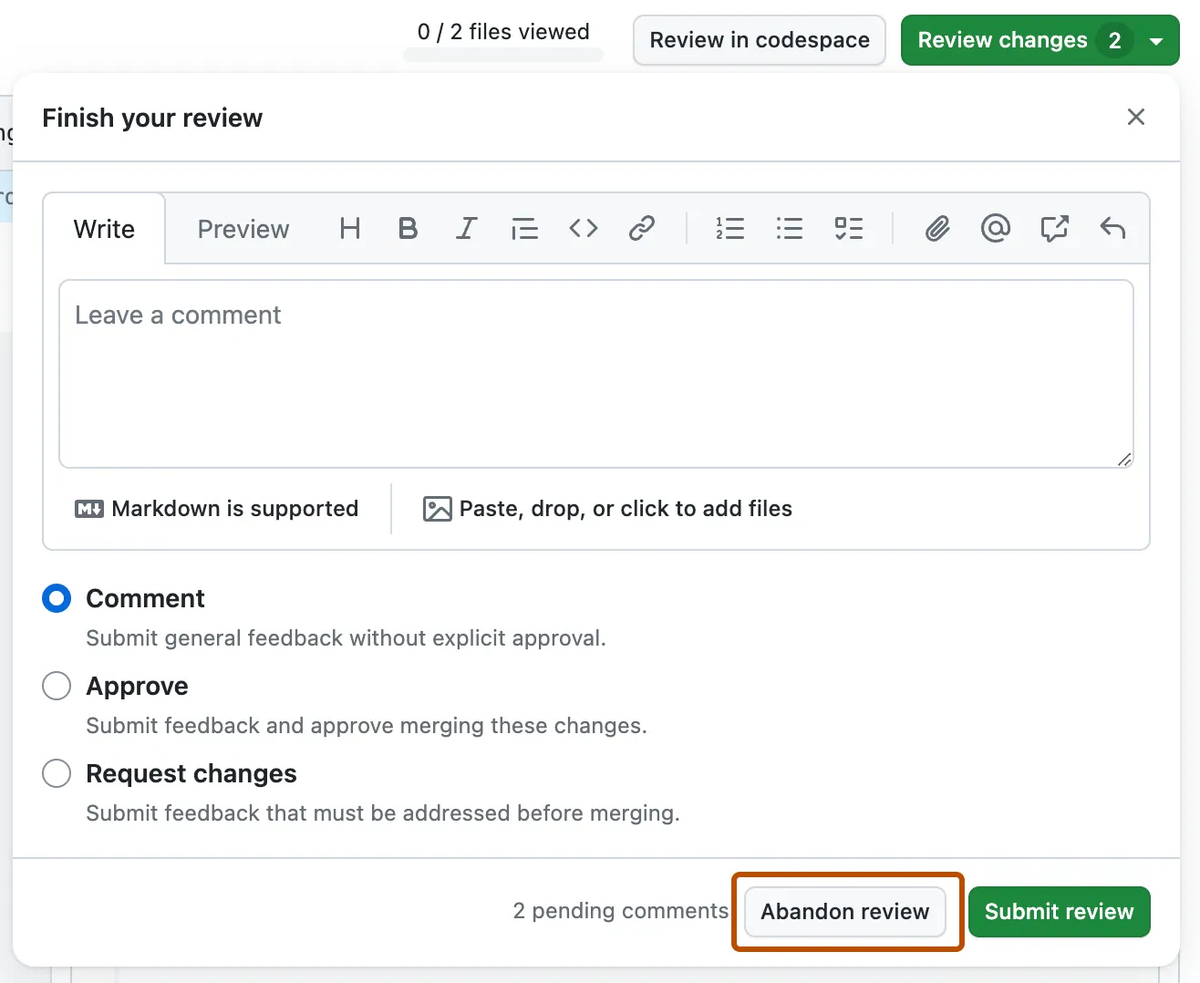
Review the final combined revision, because separately passing changes can still fail together. Require the handoff to identify the revision, changed files, test commands and results, and any checks that were skipped.
For this feature, acceptance requires evidence for normal cancellation, unauthorized requests, already-running jobs, and the transition race. Inspect how the UI responds to rejection as well as success. A screenshot of a Cancel button proves very little about queue behavior.
The reviewer then records a decision: accept the scoped deliverable, return specific failures for repair, or hold acceptance pending missing evidence. Passing the available tests supports that decision; it cannot establish requirements the tests never covered.
Automatic task completion does not authorize a production release. Keep implementation acceptance, merge approval, and deployment approval distinguishable in the task record, even when one person owns all three.
Where an Issue Tracker Still Fits
Keep Jira, Linear, or your existing tracker as the agreed record for priority, ownership, and acceptance status. The agent's execution history can hold the detailed work, provided the issue links to the relevant run and deliverable.
For the cancellation feature, keep the issue ID attached to the task, branch or pull request, and final review. When scope changes, update the accepted requirement in the tracker rather than leaving the decision only in chat.
If you are deciding how to use AI in project management without creating another administrative layer, begin with this rule: every status update should point to work someone can inspect. When no verified tracker integration is available, have the owner copy the concise result and artifact links back manually.
Limits of Agent-Led Coordination
The agent can coordinate only the context and actions it can access. An outdated job-state document can produce a coherent plan for the wrong behavior; an unavailable test environment leaves an evidence gap regardless of how confident the summary sounds.
Multiple agents can also share the same mistaken assumption. More activity does not provide independent confirmation, especially when implementation and tests both follow an incomplete requirement.
Stop and involve the owner when work requires new access, changes the accepted behavior, repeatedly fails without new evidence, or expands into a migration or release. Evaluate usefulness by accepted outputs and review effort, rather than the number of subtasks marked done.
Applying the Workflow in Verdent Manager
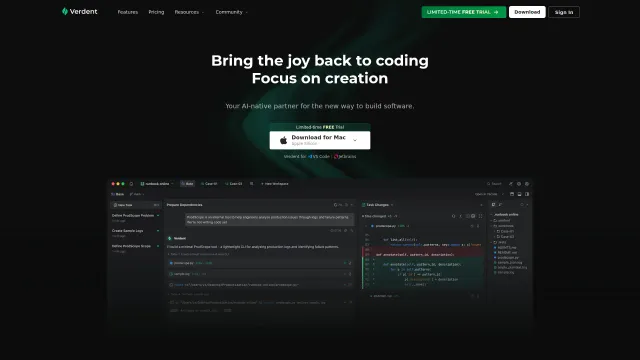
Verdent Manager can turn an outcome into stages, subtasks, dependencies, and acceptance criteria, then dispatch Workers for parallel execution. Its task handoff includes outputs, changed files, decision context, and access to diffs or the running app; completed work gathers in To Review, and questions can remain attached to the relevant task.
For the cancellation feature, address the existing project with @project-name and supply the goal, source references, exclusions, and acceptance criteria. Inspect the generated plan for the server/UI dependency and the cancellation race. Use task replies to settle the unresolved behavior, then review the combined output against the agreed criteria.
That is how to use AI for project management in a software workflow: delegate coordination while keeping the acceptance decision explicit.
FAQ
Can recurring project tasks run while the Verdent app is closed?
No. Scheduled tasks require the Verdent app to be active. If it is closed, tasks are marked Missed and can be run manually. Use the Automations panel or /schedule, specify the time clearly, and check the next run and last status. Keep the computer available and the task's required tools and services accessible.
What setup is needed to send project tasks through Slack?
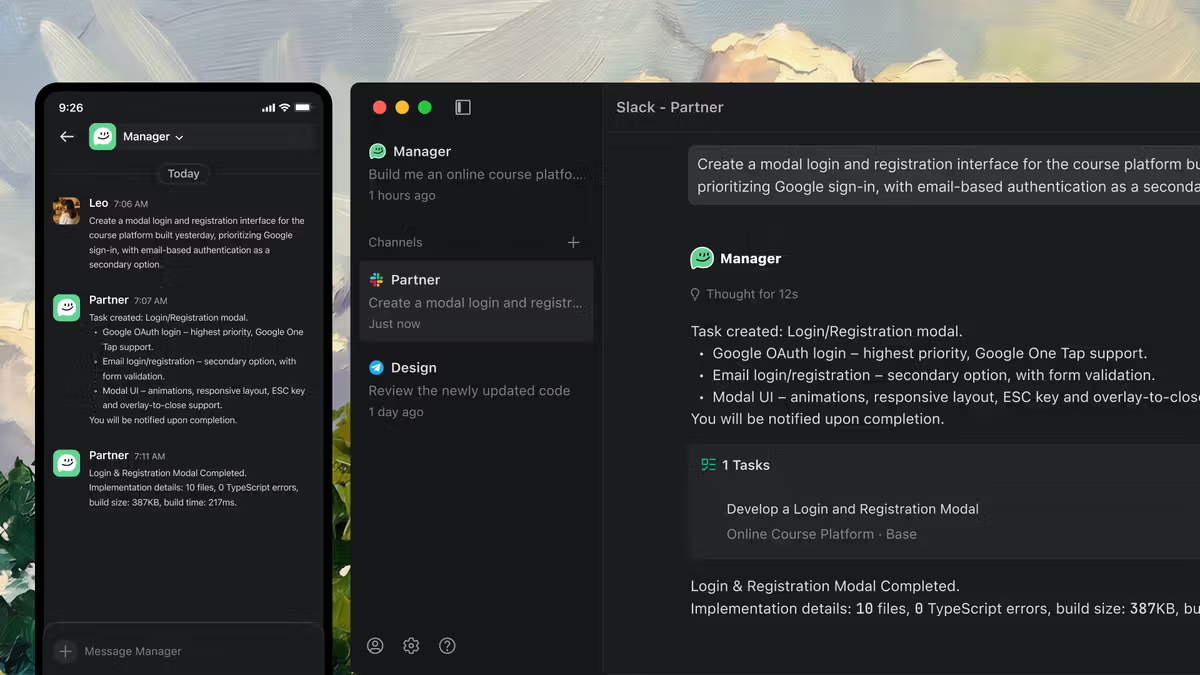
Create a Slack app using Verdent's supplied manifest, select the workspace, and enter both the Bot Token (xoxb-) and App Token (xapp-) in Verdent's channel setup. Then send the bot a message and complete pairing with the returned code. Check that the channel shows Connected before relying on it for work requests.
Does connecting a chat channel also synchronize an issue tracker?
No such guarantee follows from channel setup. The connection forwards messages to Manager; the published messaging setup does not establish native Jira or Linear synchronization. Treat tracker access, field mapping, update permissions, and synchronization behavior as a separate integration to verify.
How should repeated message delivery be handled without duplicating work?
Keep a stable issue ID or request reference in each instruction. Before resending, manually check the existing task, its latest status, and any branch or pull request already created. Continue the existing task when appropriate. If duplicate work exists, have the owner identify the authoritative run and stop the redundant one. This is a manual reconciliation procedure, not a documented Verdent deduplication guarantee.
Can a project use Workers backed by external agent runtimes?
Yes. BYOA lets Manager dispatch Worker tasks to supported external runtimes, currently including Codex and Claude Code. Configure them under Settings → Models → CLI Agents, then disable Auto and select an enabled Task Model. Codex needs a locally installed, authenticated CLI; Claude Code requires Node.js/npx and provider configuration. Verify current runtime access and billing arrangements separately; do not assume your Verdent subscription includes an external provider's usage.
Keep the Task Record Connected to the Deliverable
For the report feature, the final record should explain why a running job remains uncancelable, link the check that exercises that boundary, and name whoever accepted the result. A later maintainer should be able to recover that reasoning without reconstructing the entire conversation.
That is the standard for a completed task: the change, its evidence, and its acceptance decision remain connected after the agents stop working.